Top 3 Monitors for WFH
Expand your digital workspace with these stunning displays designed for productivity.
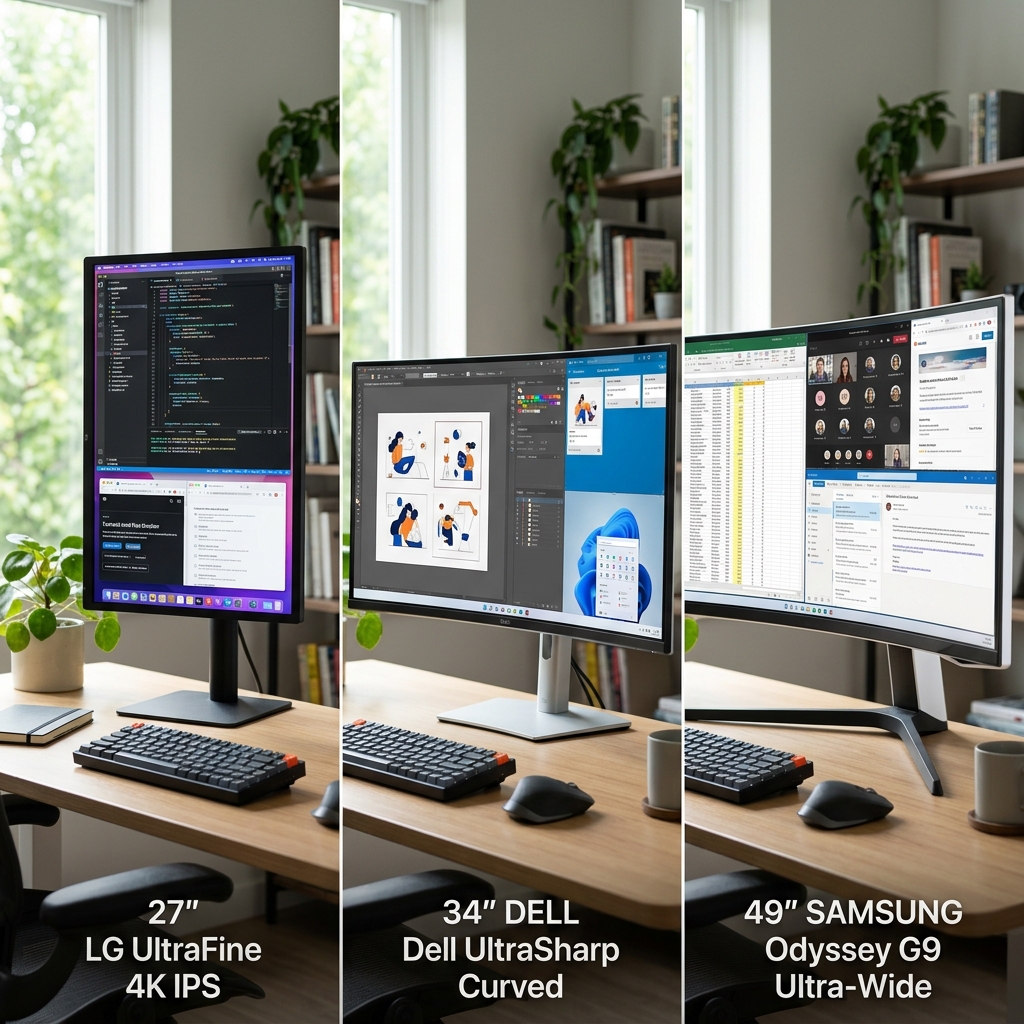
See More, Do More
A cramped screen can severely limit your productivity. Upgrading to a larger, higher-resolution monitor allows you to comfortably run multiple applications side-by-side. Whether you prefer a dual-monitor setup or a single ultrawide display, these three options offer incredible clarity, color accuracy, and screen real estate.
Feature Comparison
| Model | Resolution & Size | Panel Type | Key Feature | Best For |
|---|---|---|---|---|
| Dell UltraSharp U2723QE | 27" 4K (3840 x 2160) | IPS Black | USB-C Hub | Crisp text & dual setups |
| LG 34WN80C-B Ultrawide | 34" WQHD (3440 x 1440) | IPS Curved | Immersive Curve | Timeline editing & spreadsheets |
| Apple Studio Display | 27" 5K (5120 x 2880) | IPS | Built-in Cam/Audio | Mac users & creatives |
Our Verdict
For Windows users or those who want maximum value, the Dell UltraSharp U2723QE offers unbeatable contrast and hub connectivity. If you hate bezels splitting your view, the LG 34" Ultrawide is a fantastic way to view sprawling timelines or spreadsheets. For seamless Mac integration, nothing beats the Apple Studio Display.